
A simple and intuitive tool for requesting time off – fully connected with your ERP system.
Submit a new absence request
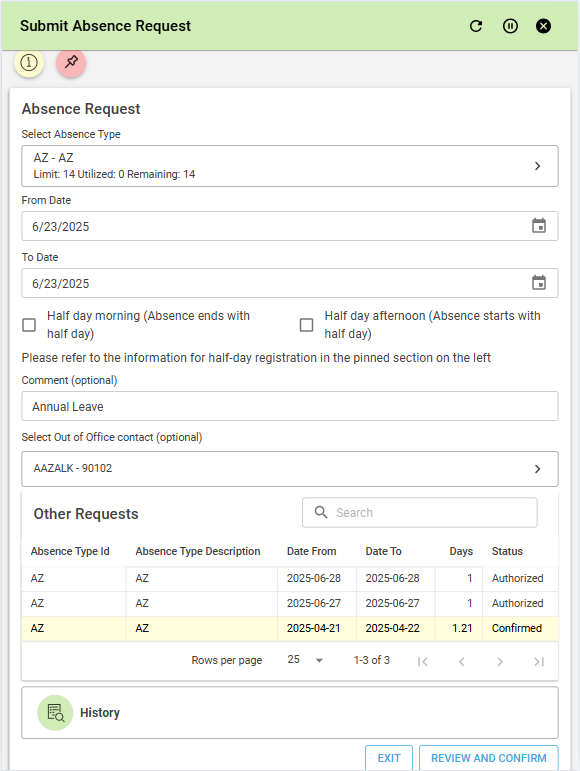
Start by entering:
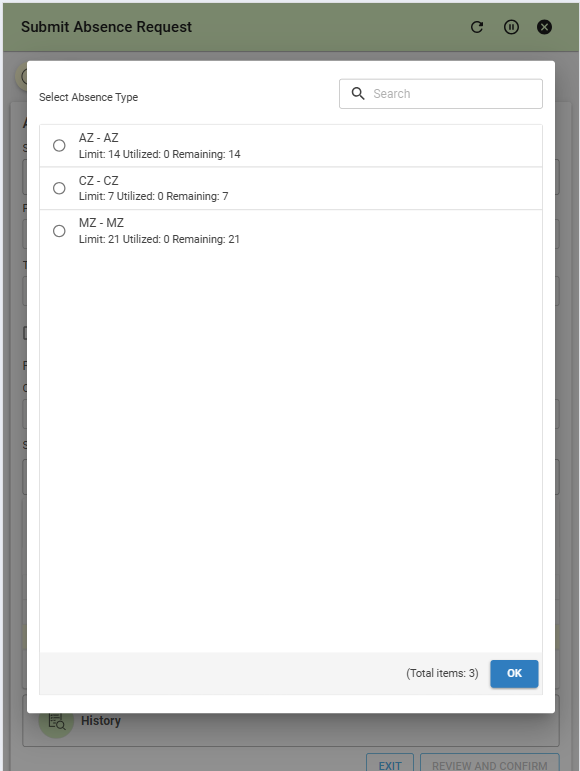
Absence Type – Pick from available types and instantly see how many days you’ve used and what’s left.
Dates – Choose the start and end of your absence.
Comments – Add optional notes.
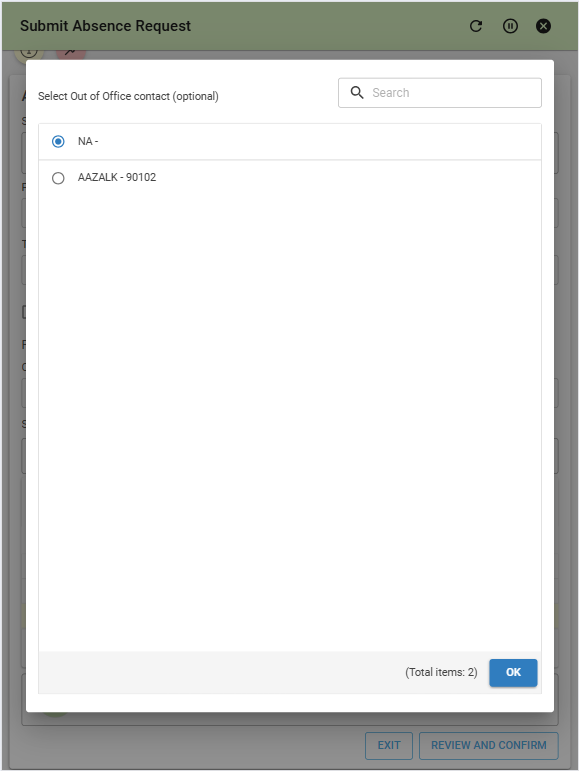
Out of Office Contact – Let your team know who’s covering for you.
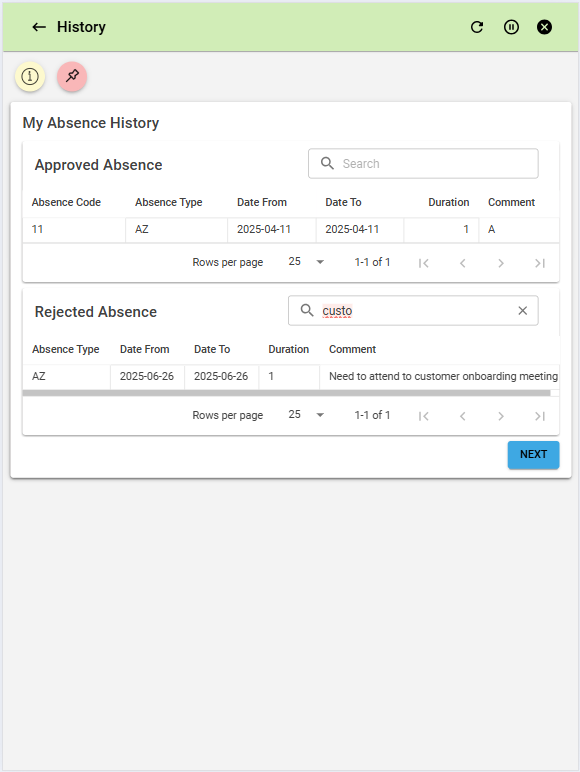
Stay informed with a real-time view of your pending requests and quickly access your absence history.
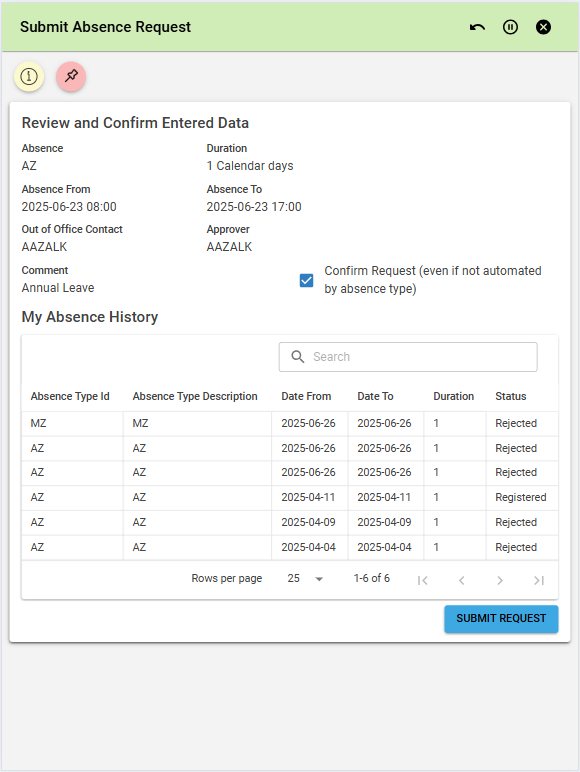
Review & confirm
Once your details are entered:
Get a clear summary of your request.
Confirm everything looks good.
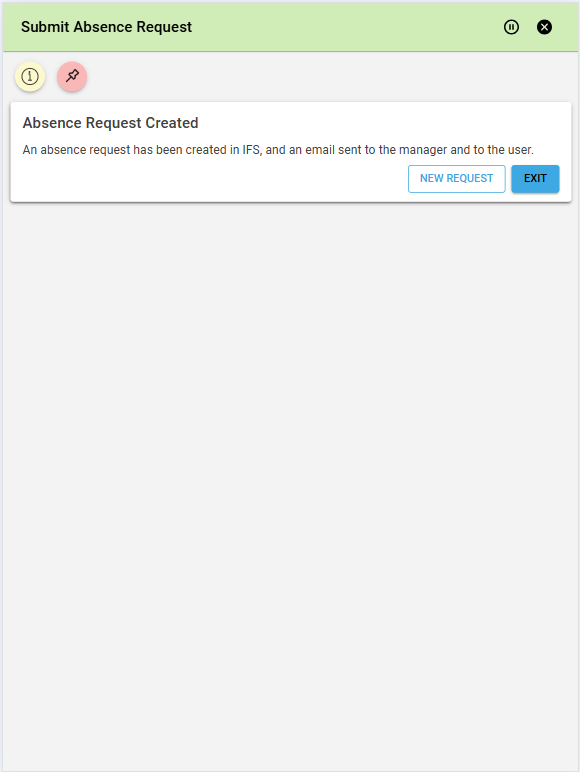
Instant notifications
After submitting:
Emails are sent to your manager, your backup contact, and yourself.
Everything is tracked and recorded in the IFS ERP system.
| App Type | Base Application |
| Flow version | Connect |
| ERP Type | IFS Applications 10 |
| Process Area | Administration and HR |
| Library | Standard Apps - IFS |
| Product Clients | Mobile ClientWeb Client |
| Product Connectors | IFS Applications 10 API |
| Product Publisher | Novacura Business Apps |
| Publishing Date | 25.06.2025 |
| Powered by AI | No |