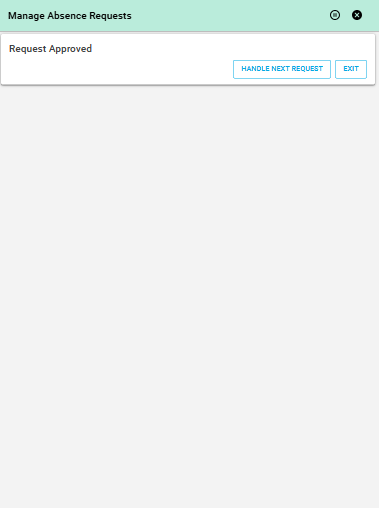

Give your managers a clear, efficient tool to handle time-off requests – with everything synced to your IFS ERP.
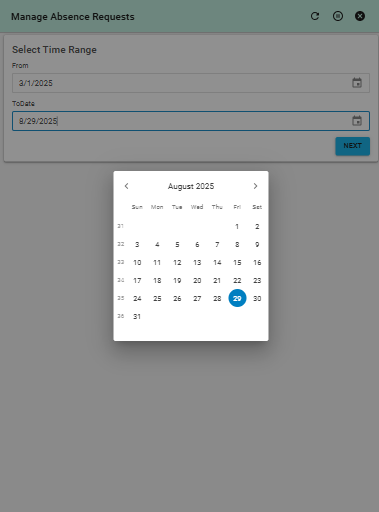
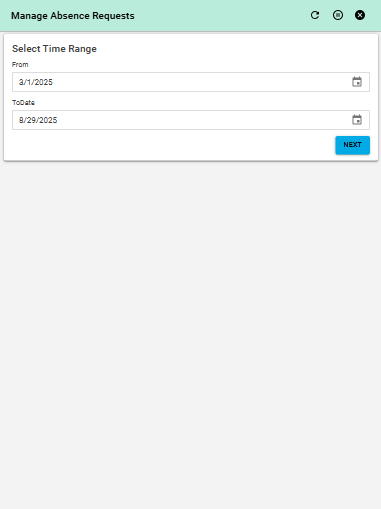
Filter by Date
Managers can easily set a date range to review absence requests submitted within that time frame. Default values cover the current year, but it’s fully customizable.
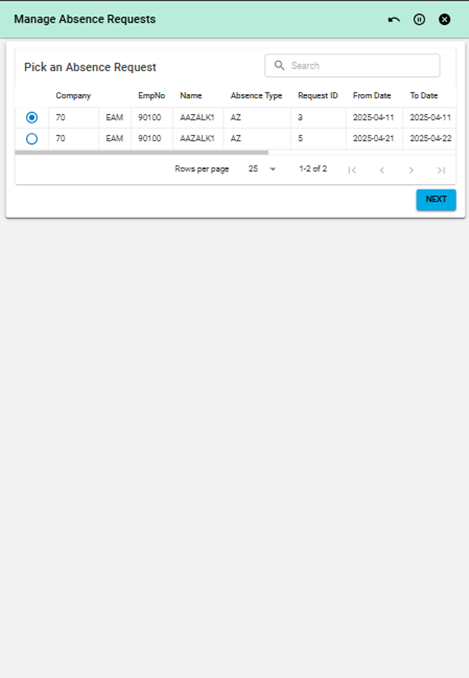
Review Team Requests
The application shows all relevant employee requests, including:
Name of the requester
Type and duration of absence
Dates and status
Everything your managers need at a glance.
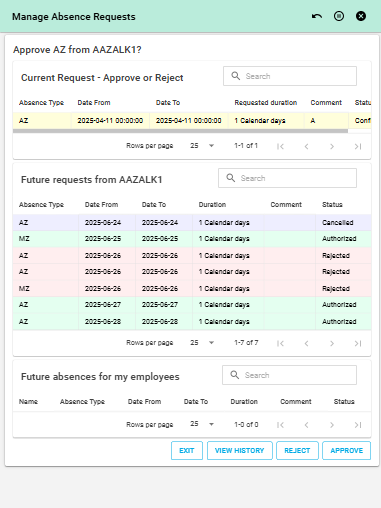
Approve or Reject
After reviewing each request:
Managers can approve or reject with a single click.
They’ll also see:
Future planned absences by the same employee
Status of upcoming requests
Full history of approved/rejected absences
Automatic Notifications
After each decision:
Employees are instantly notified by email.
Changes are reflected in the IFS ERP system in real-time.
| App Type | Base Application |
| Flow version | Connect |
| ERP Type | IFS Applications 10 |
| Process Area | Administration and HR |
| Library | Standard Apps - IFS |
| Product Clients | Mobile ClientWeb Client |
| Product Connectors | IFS Applications 10 API |
| Product Publisher | Novacura Business Apps |
| Publishing Date | 25.06.2025 |
| Powered by AI | No |