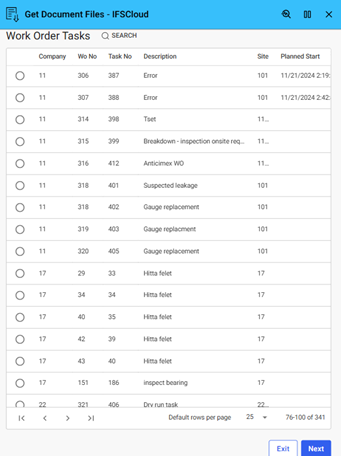
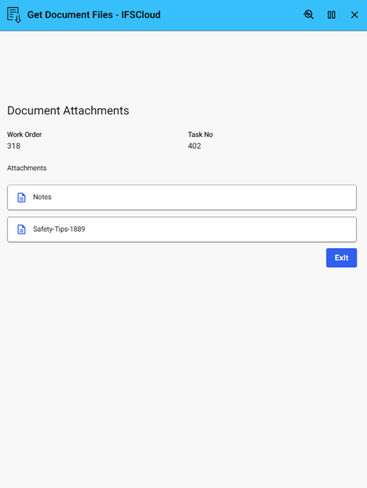

This Example shows how to retrieve and download document files from IFS Cloud business objects using Novacura Flow and standard APIs.
This application example demonstrates how to retrieve document files from IFS Cloud using Novacura Flow. Users can select or specify a document connected to a business object—such as a work order, invoice, or product—and download the associated file directly into their Flow application.
Ideal for scenarios where users need access to technical documentation, reports, or scanned attachments, the example shows how to call IFS APIs to fetch and handle document files. While focused on documents, the same logic can be applied to retrieve other file types stored in IFS Cloud.
| App Type | Example |
| Flow version | Classic & Connect |
| ERP Type | IFS Cloud |
| Process Area | Generic |
| Library | Standard Apps - IFS |
| Product Clients | Mobile ClientWeb Client |
| Product Connectors | OData |
| Product Publisher | Novacura Business Apps |
| Publishing Date | 22.04.2025 |
| Powered by AI | No |