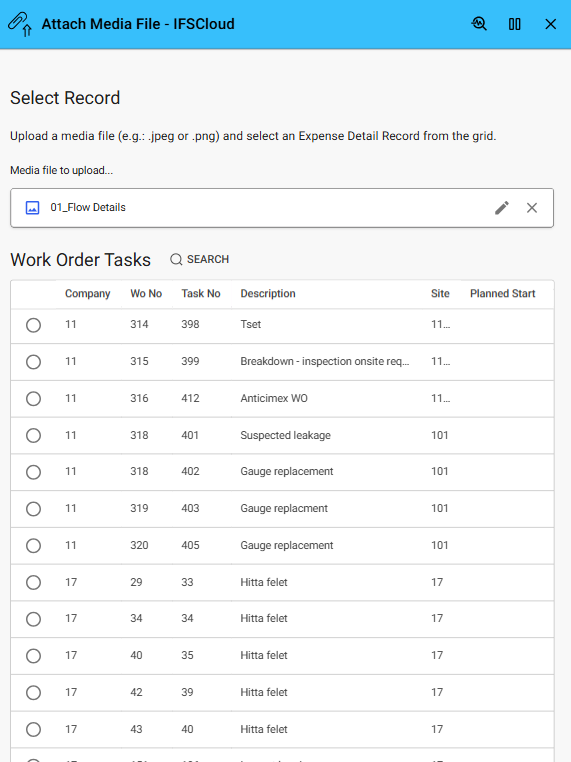
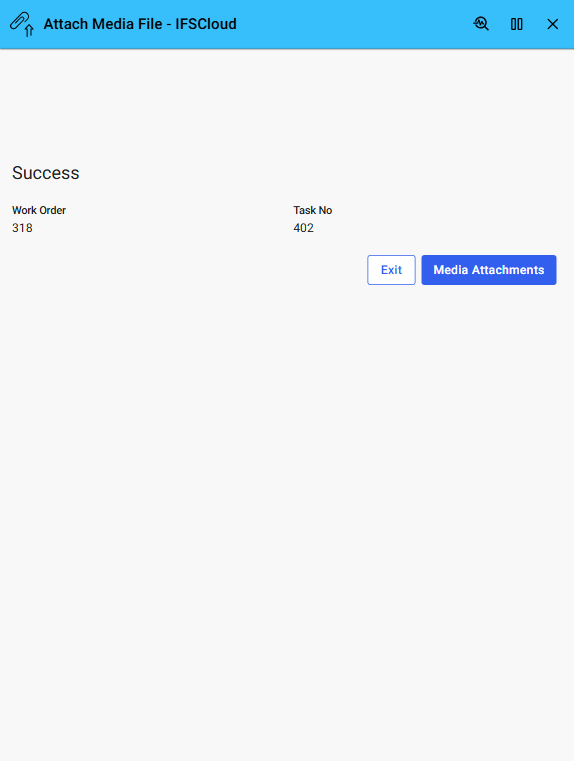
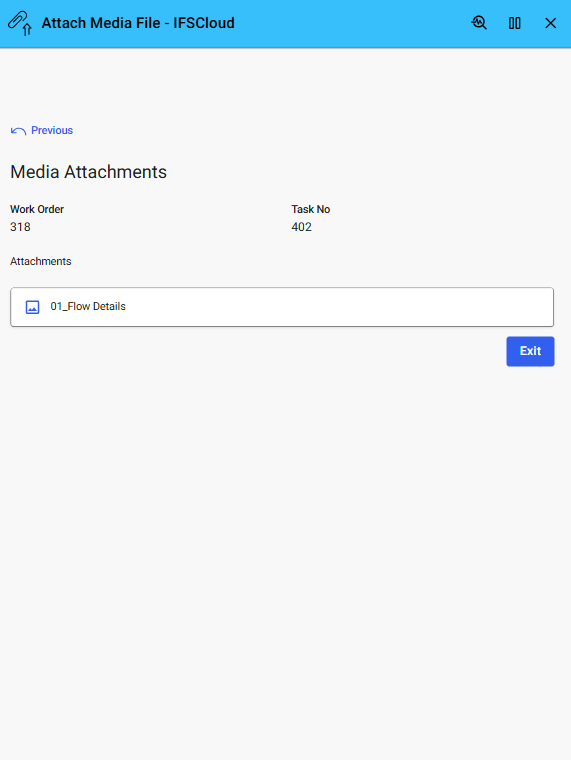

This Example shows how to upload and attach media files to IFS business objects in Applications10 using Novacura Flow and standard OData transactions
This application example demonstrates how to upload and attach a media file to IFS Applications10 using Novacura Flow. Users can capture or select a file—such as a photo, video, or scanned image—and link it to a business object like a service request, equipment record, or inspection report.
Ideal for mobile and field-based scenarios, the example shows how Flow can handle media files and send them to IFS Applications10 using standard OData transactions. While focused on media files, the same method can be extended to support other file types and use cases requiring visual or audio documentation.
| App Type | Example |
| Flow version | Classic & Connect |
| ERP Type | IFS Applications 10 |
| Process Area | Generic |
| Library | Standard Apps - IFS |
| Product Clients | Mobile ClientWeb Client |
| Product Connectors | Database |
| Product Publisher | Novacura Business Apps |
| Publishing Date | 3.09.2025 |
| Powered by AI | No |