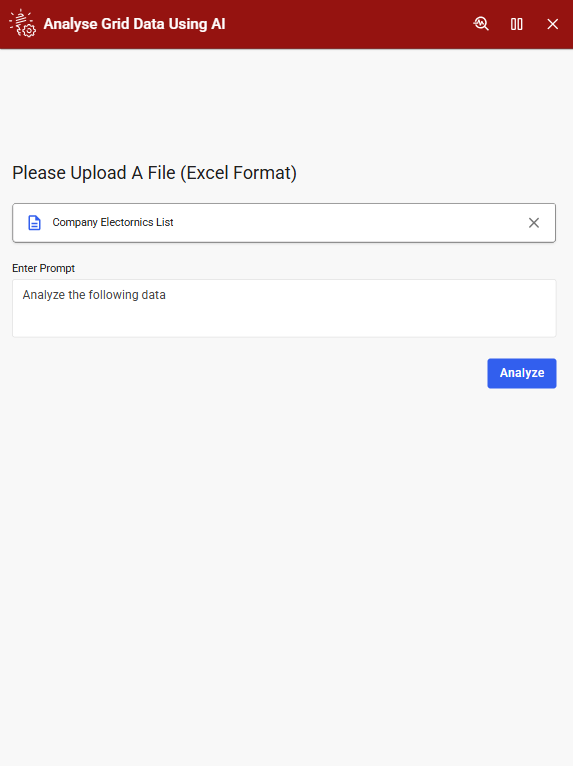
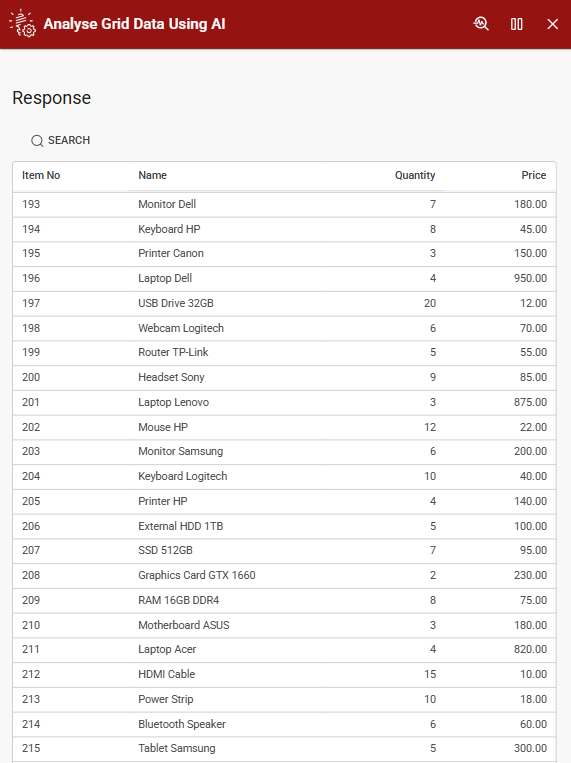
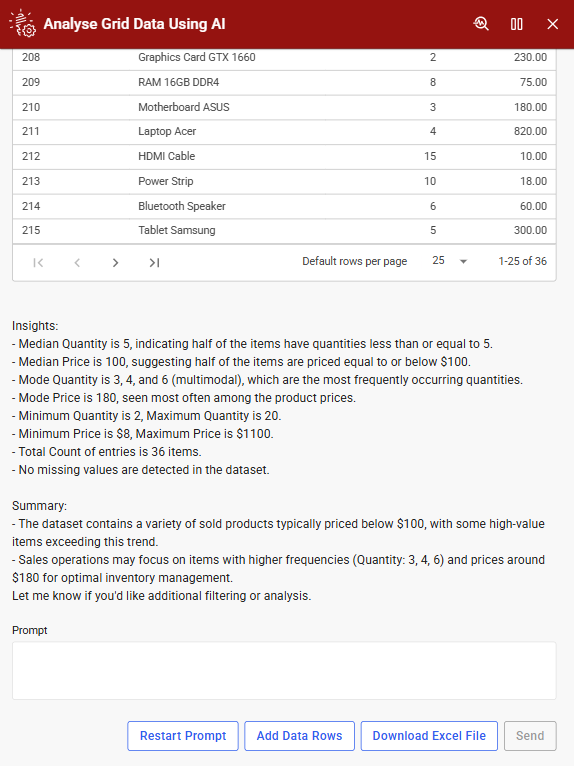
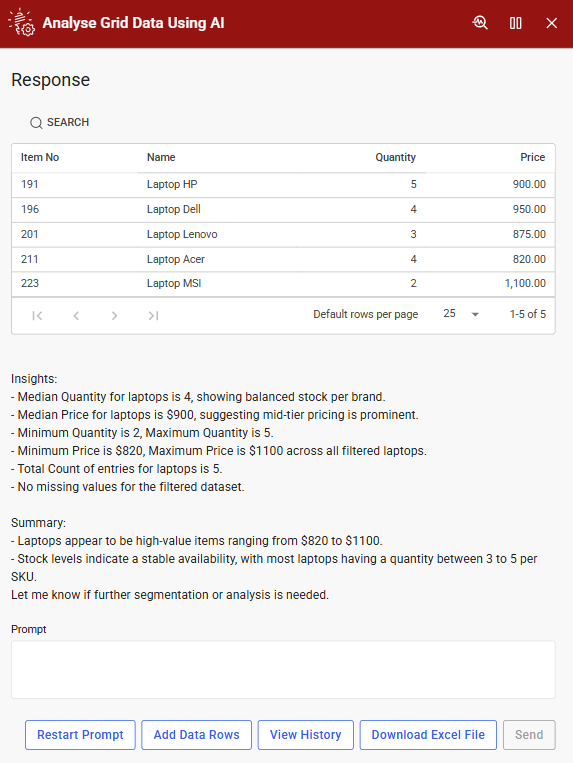
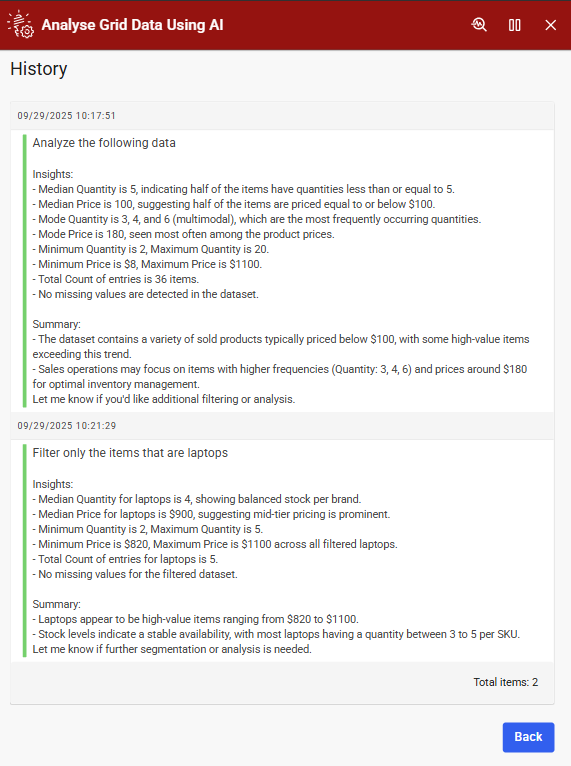

This Example shows how to analyze and manipulate Excel data in Novacura Flow using AI-powered natural language commands alongside a grid interface.
This application example demonstrates how to analyze and interact with Excel data within Novacura Flow using AI-integrated natural language processing. Users can upload an Excel file, which is then displayed in a grid format for easy visualization and interaction.
By leveraging AI services, users can perform operations such as sorting, filtering, calculating values, deleting or appending rows, simply by typing natural language commands. This reduces the need for manual scripting or complex formulas, enabling faster and more intuitive data handling. Once analysis is complete, users can export the updated data as a CSV file, making it easy to share or integrate with other systems.
Note: To ensure proper display of uploaded data, the grid columns should be predefined within the application before importing the Excel file.
AI Setup & Configuration
AI-powered automation requires specific user-side configurations. Hence, to fully benefit from automation, ensure the required configurations are completed.
| App Type | Example |
| Flow version | Connect |
| ERP Type | Generic |
| Process Area | Generic |
| Library | Standard Apps - Base |
| Product Clients | Mobile ClientWeb Client |
| Product Connectors | REST Service / OpenAI |
| Product Publisher | Novacura Business Apps |
| Publishing Date | 29.09.2025 |
| Powered by AI | YES |